
SAVE $10 on Luminar AI! Use offer code SDP10 at checkout.
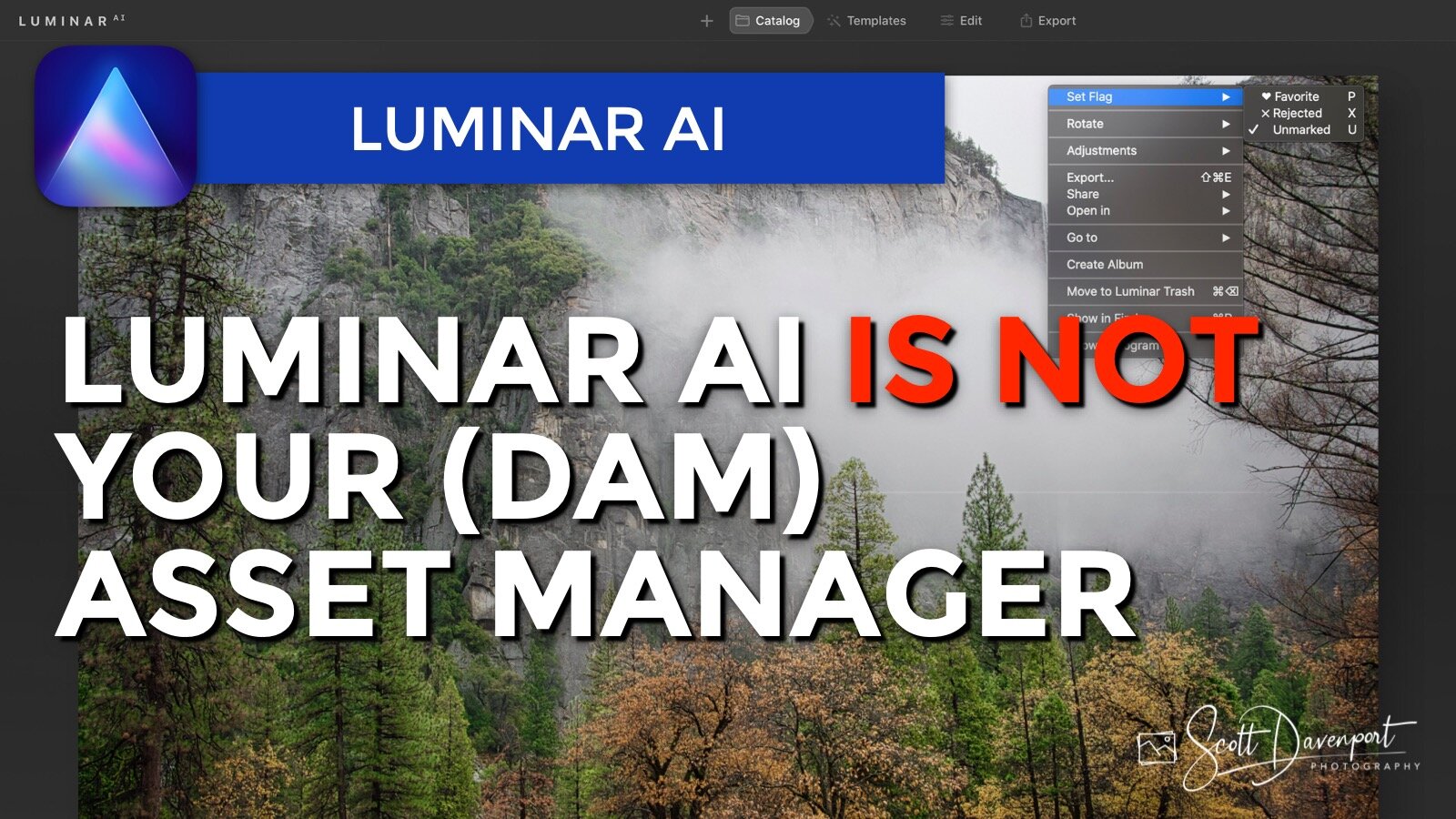
Luminar AI is here and it’s great for editing. I can’t stress that enough - it is a great editor. However, it is not in my opinion a digital asset manager. If you have asset management needs beyond the basics of folders, you need to look at other tools and consider Luminar AI as a supplemental tool for editing.
Star ratings and color labels are gone from Luminar AI. So are integrations with other tools like Nik and Topaz, so Luminar AI is not a hub to manage your photos. I do not expect to ever see IPTC metadata management in Luminar. There are no tools to migrate a Luminar 4 catalog into Luminar AI.
These are conscious choices by Skylum. They are not getting into the asset management game. Skylum’s focus is on editing - and they do that very well.
Subscribe and share!


Add a two-toned look to your images with the Toning Tool. It’s a great finishing touch for many photos.
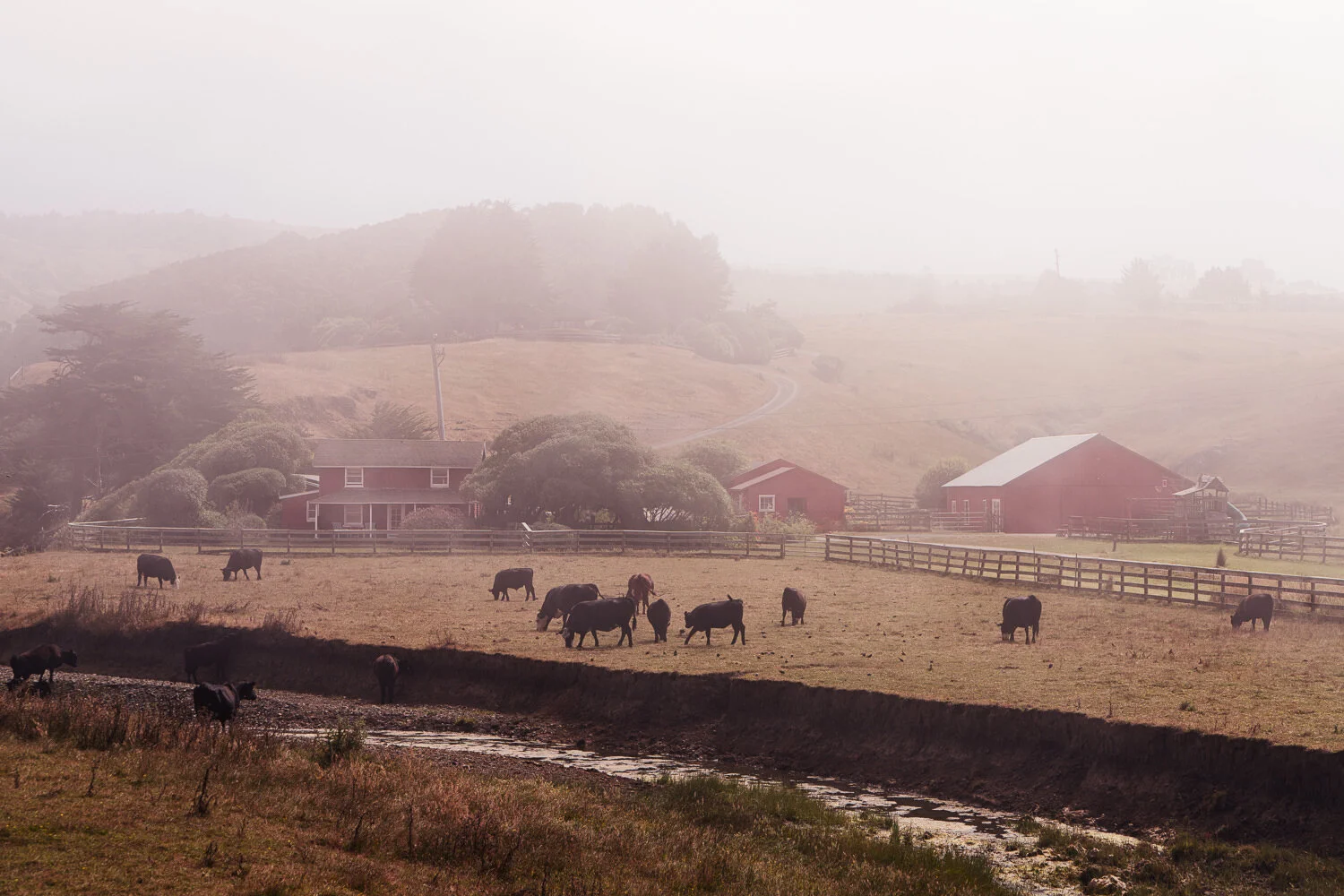

The Dramatic Tool in Luminar AI adds a cinematic feel to your images. Great for urban landscapes!

Skylum made several enhancements to the sky replacement engine and Sky AI controls in Luminar AI Update 3.

Sky replacement improvements, Windows supports HEIC, and a few more features are in Luminar AI Update 3.

Skylum unveiled Luminar Neo, a new creative editor for your photos. Some things we know, some things we don’t. I have a video for you that shares what I know about Luminar Neo and how I’m thinking about it for my photography.